Dust 2 Smokes Lineups – CS2
All Smokes lineups for Dust 2 in Counter-Strike 2. From basic site executes to advanced setups — each lineup has a step-by-step video walkthrough with crosshair placement and a practice setpos command.
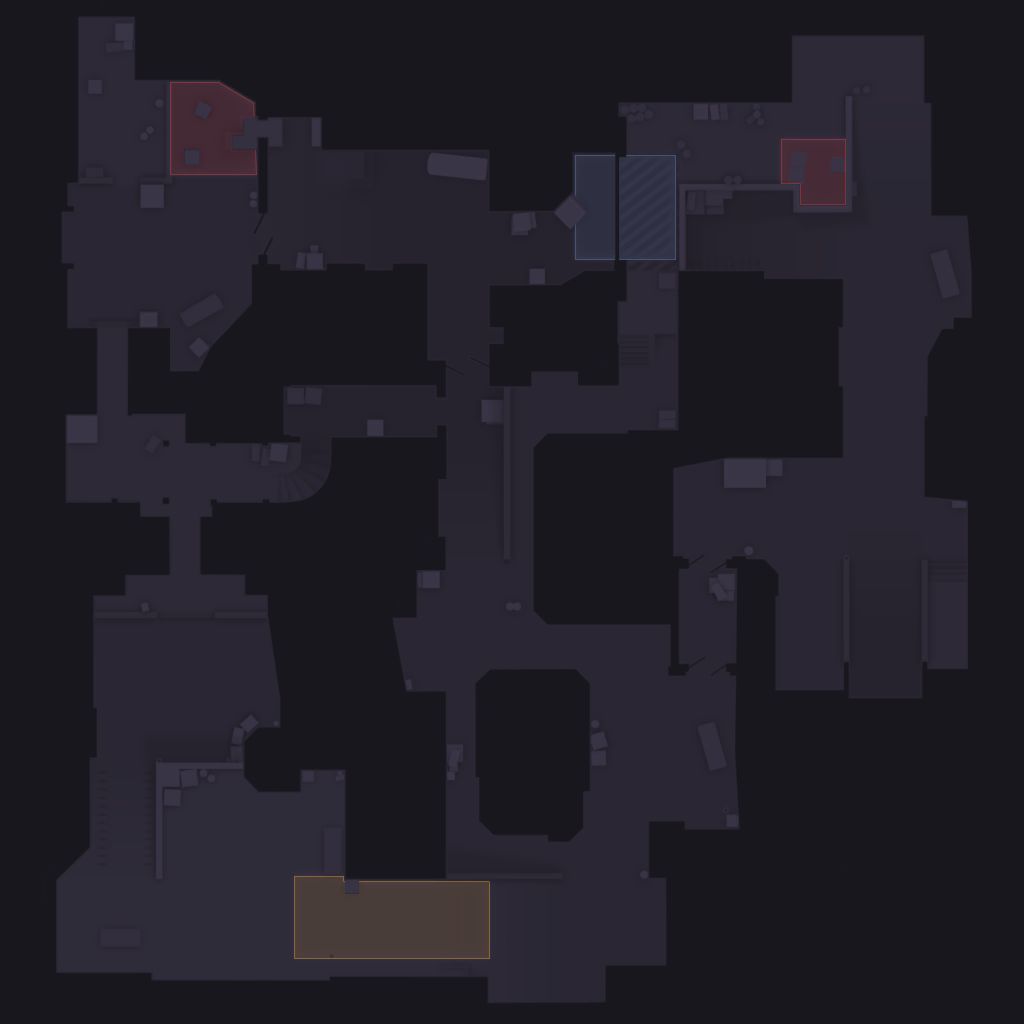
How to Throw Smokes on Dust 2
Smokes block vision and cut off angles — the most important utility in CS2. Whether you're crossing mid, executing onto a site, or delaying a push, knowing the right smoke lineups saves rounds. Master one-way smokes for an extra edge on CT.
Learning Smokes lineups on Dust 2 is one of the fastest ways to improve your CS2 results. Good utility usage lets you take sites, hold positions, and support teammates without relying on aim alone. Use the interactive map above to find the lineup you need — filter by side and click any zone to see available throws.
What each lineup includes
- ✓Step-by-step video demonstration
- ✓Exact crosshair placement screenshot
- ✓Throw type: jumpthrow, runthrow, or standing
- ✓Setpos command to practice the position in-game
- ✓Affected area preview showing where the grenade lands