GetReplay knowledge base
Practical CS2 guides
Learn from your demos, practise with purpose and turn match footage into decisions you can use in the next game.
Featured guide
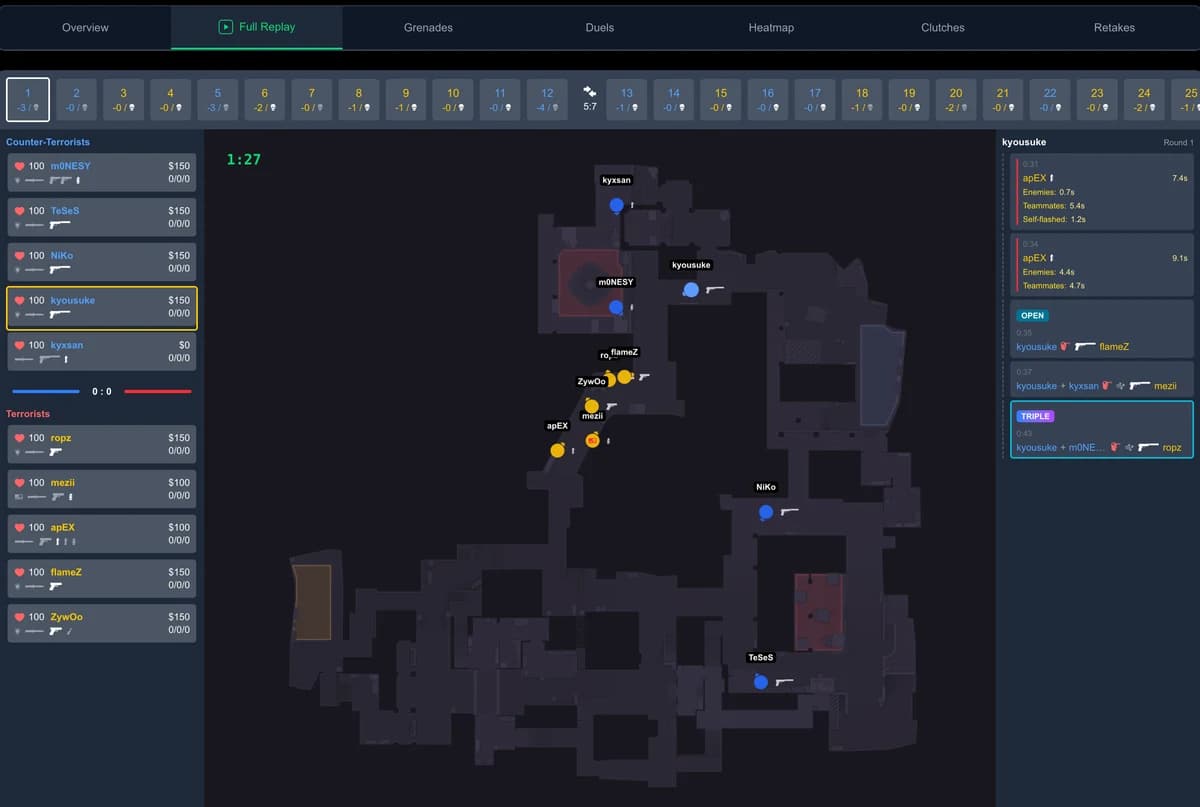
Demo analysis
Why You Should Watch Your Own CS2 Demos (And What You Gain)
What you really see when you re-watch your own CS2 rounds, why reviewing on the same day works best, and a 5-minute routine that fits after every match.
Latest guides
Demo analysis
How to Watch a CS2 Demo (.dem) — 3 Easy Ways
Three ways to watch a CS2 demo and open a .dem file — the playdemo console command, the in-game Watch menu, or an instant browser replay with GetReplay.
Demo analysis
How to Watch FACEIT Demos: Online or in CS2
Send a FACEIT demo to GetReplay with its browser extension: the server downloads and processes it for you. Manual .zst uploads and in-game playback are also covered.
Grenades and utility
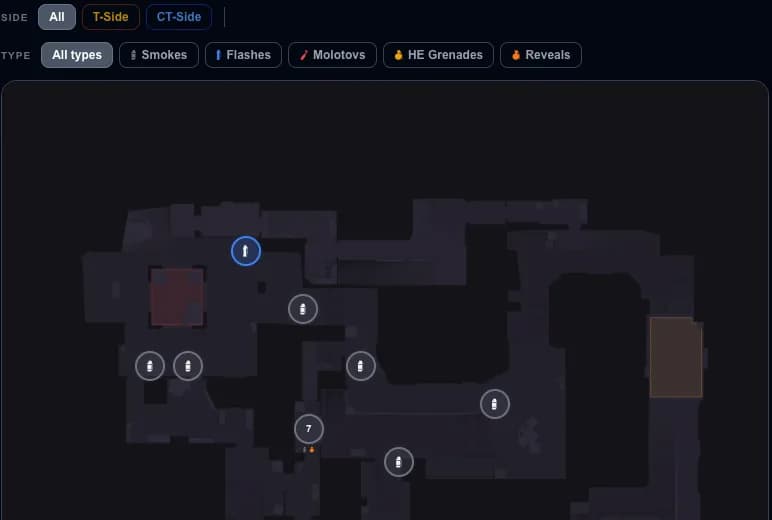
CS2 Mirage Lineups: Smokes, Flashes & Molotovs
The must-know Mirage smokes, flashes and molotovs for both sides — what each is for, and how to drill the exact lineups with GetReplay's utility tool.
Grenades and utility
Mirage Window Smokes in CS2: Instant and Cart Lineups
Learn why to smoke Mirage window, choose from five instant T-spawn throws or the cart lineup, and open each video guide without leaving the article.
Grenades and utility
Inferno FaZe Smoke in CS2: Six CT Spawn Lineups
Learn what the Inferno FaZe smoke does, compare six CT-spawn lineups and two lower-mid alternatives, and practise the throw with its follow-up.
Grenades and utility
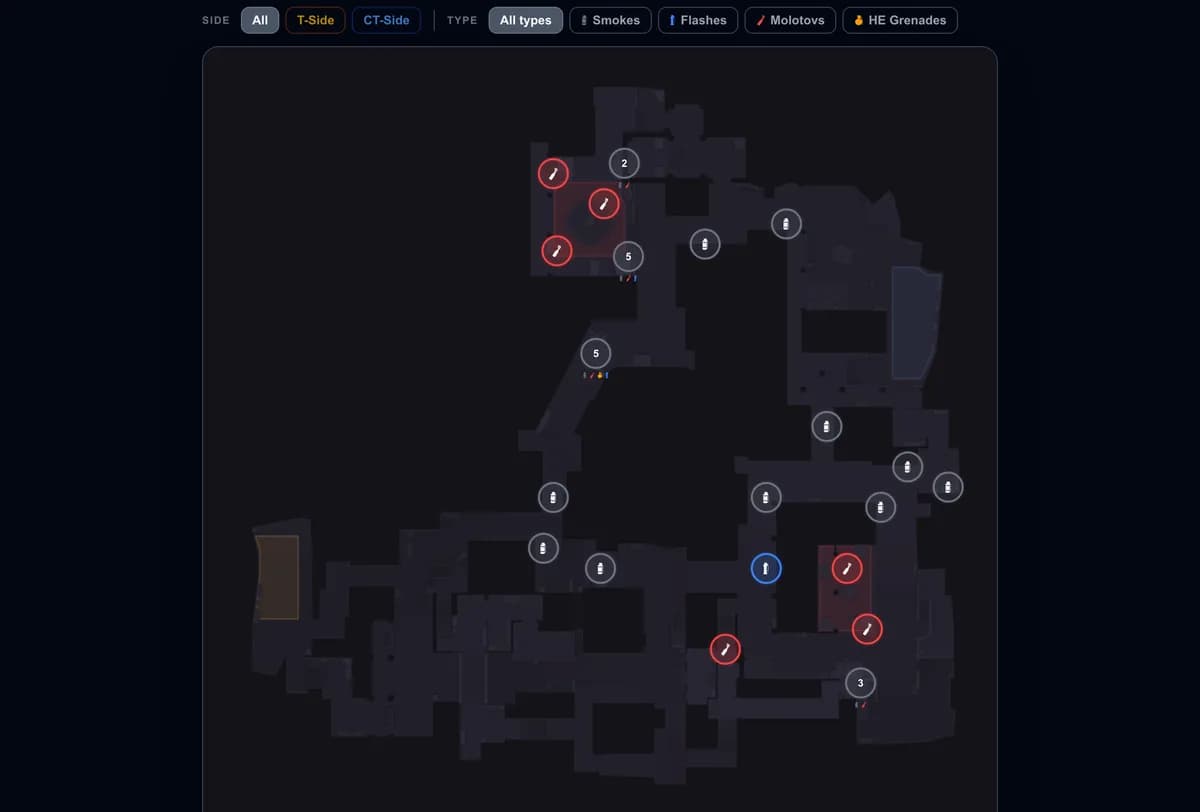
CS2 Inferno Lineups: Smokes, Flashes & Molotovs
Inferno smokes, flashes and molotovs, grouped by what they are for — Banana, Mid, A executes and CT defense — each linked to its exact lineup.
Setup and commands
CS2 Grenade Practice Config: Commands, Bots and Setup
Download a ready practice config, choose your keys and train smokes, flashes and molotovs on a local CS2 server. The guide explains the commands and bot setup.
Demo analysis
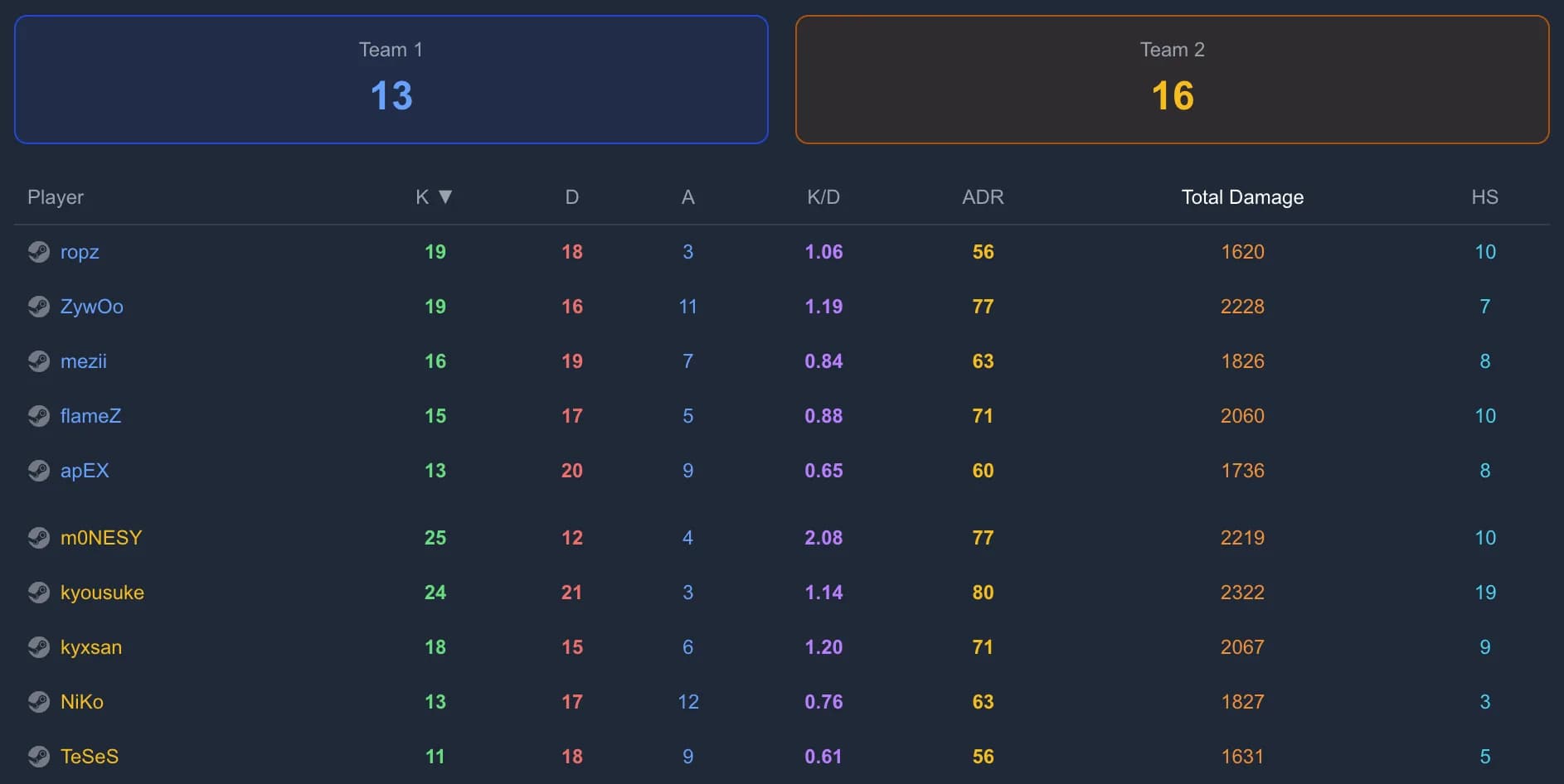
CS2 Stats Explained: K/D, ADR, HS%, KAST, Rating
A plain-language glossary of CS2 stats — K/D, ADR, HS%, KAST and HLTV Rating — with benchmarks and where each one appears in GetReplay.
Setup and commands
CS2 Repeat Last Grenade: Command & Bind
sv_rethrow_last_grenade recreates your last grenade throw without moving or resetting you. Bind it to one key to test flashes, smokes, molotovs, and HEs.
Grenades and utility
How to Pop a Smoke with an HE in CS2
Pop a CS2 smoke without an early bounce sound. Learn two close-range HE throws and coordinate the explosion with a prepared peek.
Training
How to Remember CS2 Lineups and Use Them in Matches
Watching a lineup once creates familiarity, not match-ready recall. See how short lessons, active questions and well-timed reviews turn grenade knowledge into something you can use under pressure.
Training
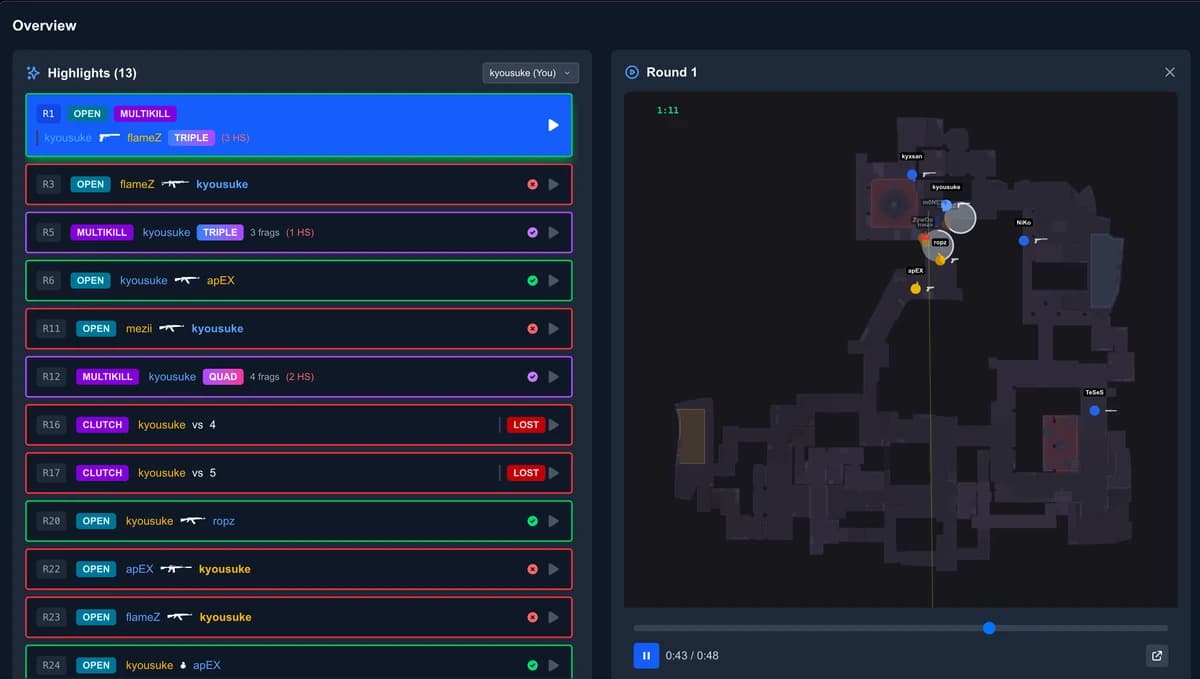
CS2 Terms Explained: 38 Words Players Actually Use
Lurk, execute, anchor, popflash, counter-strafe. The 38 CS2 terms you'll actually hear in a match, grouped by when you need them — and what each should change about your next decision.
Grenades and utility
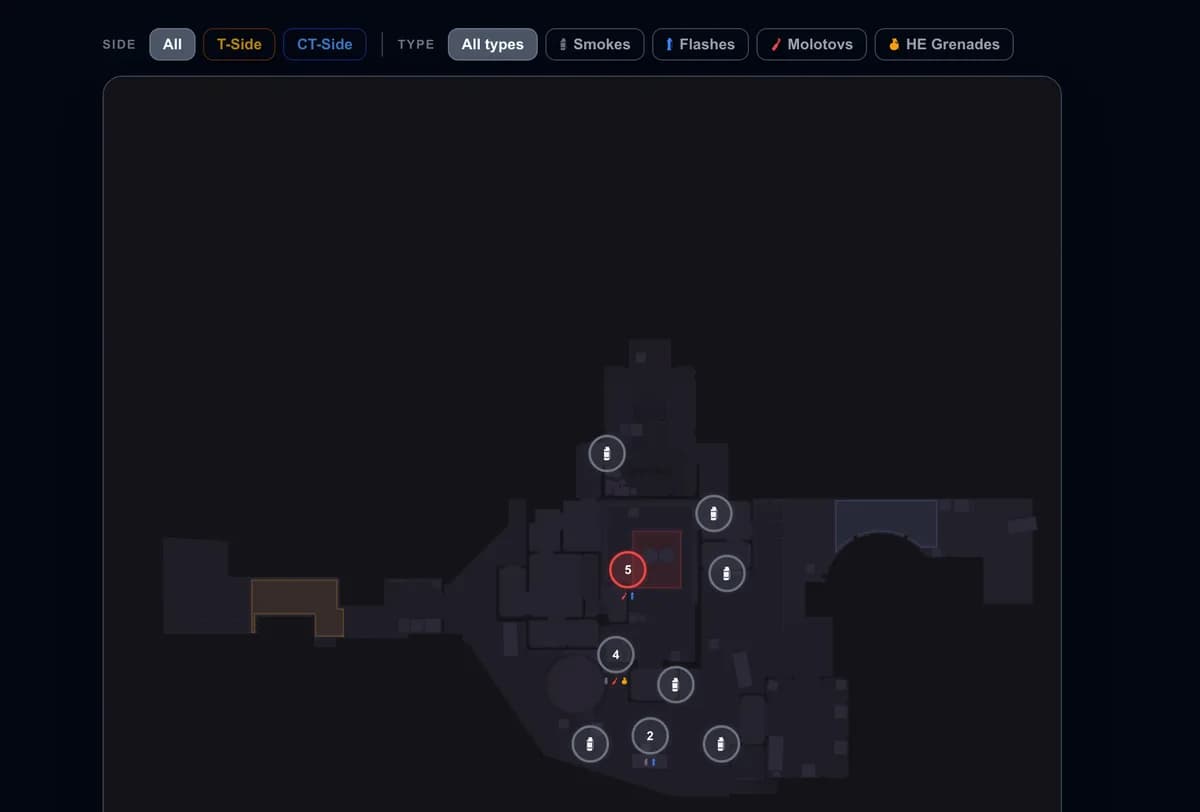
CS2 Nuke Lineups: Smokes, Flashes & Molotovs
The must-know Nuke smokes, flashes and molotovs for both sides — what each one is for, and how to drill the exact lineups with GetReplay's utility tool.
Grenades and utility
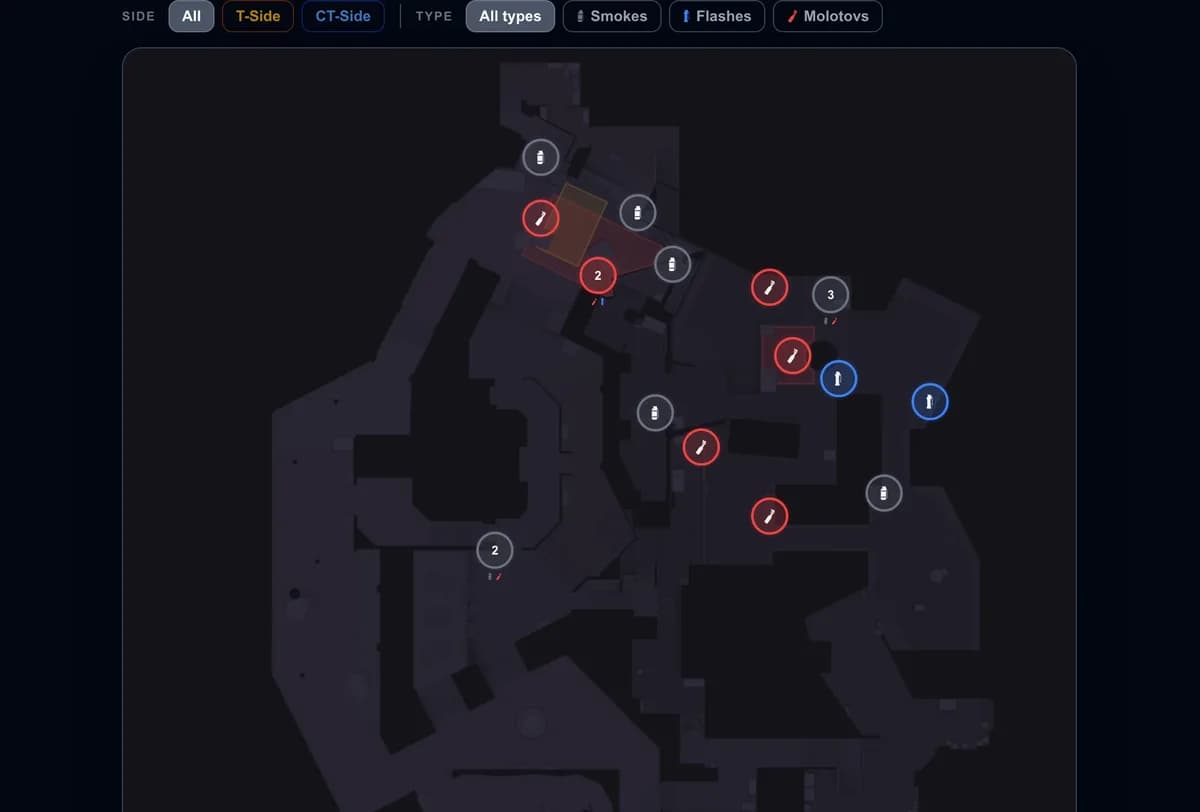
CS2 Overpass Lineups: Smokes, Flashes & Molotovs
The must-know Overpass smokes, flashes and molotovs for both sides — what each one is for, and how to drill the exact lineups with GetReplay's utility tool.
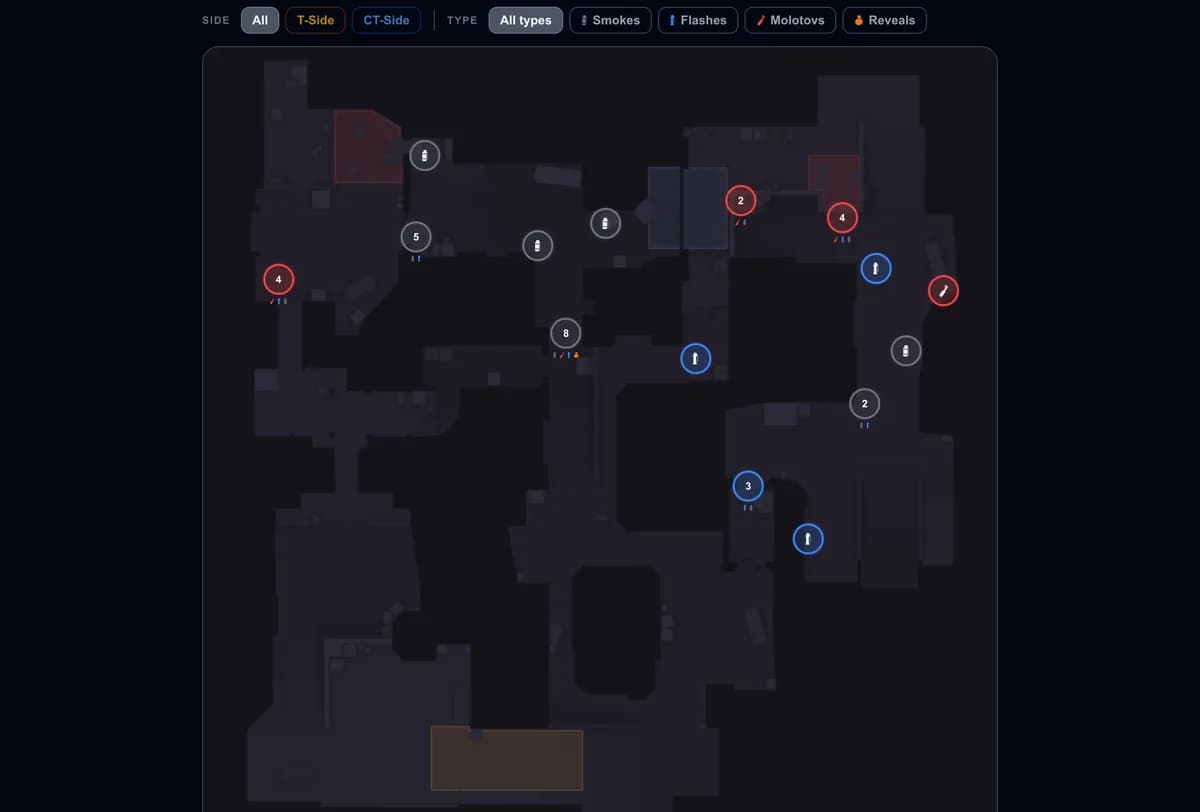
Grenades and utility
CS2 Dust2 Lineups: Smokes, Flashes & Molotovs
The must-know Dust2 smokes, flashes and molotovs for both sides — what each one is for, and how to drill the exact lineups with GetReplay's utility tool.
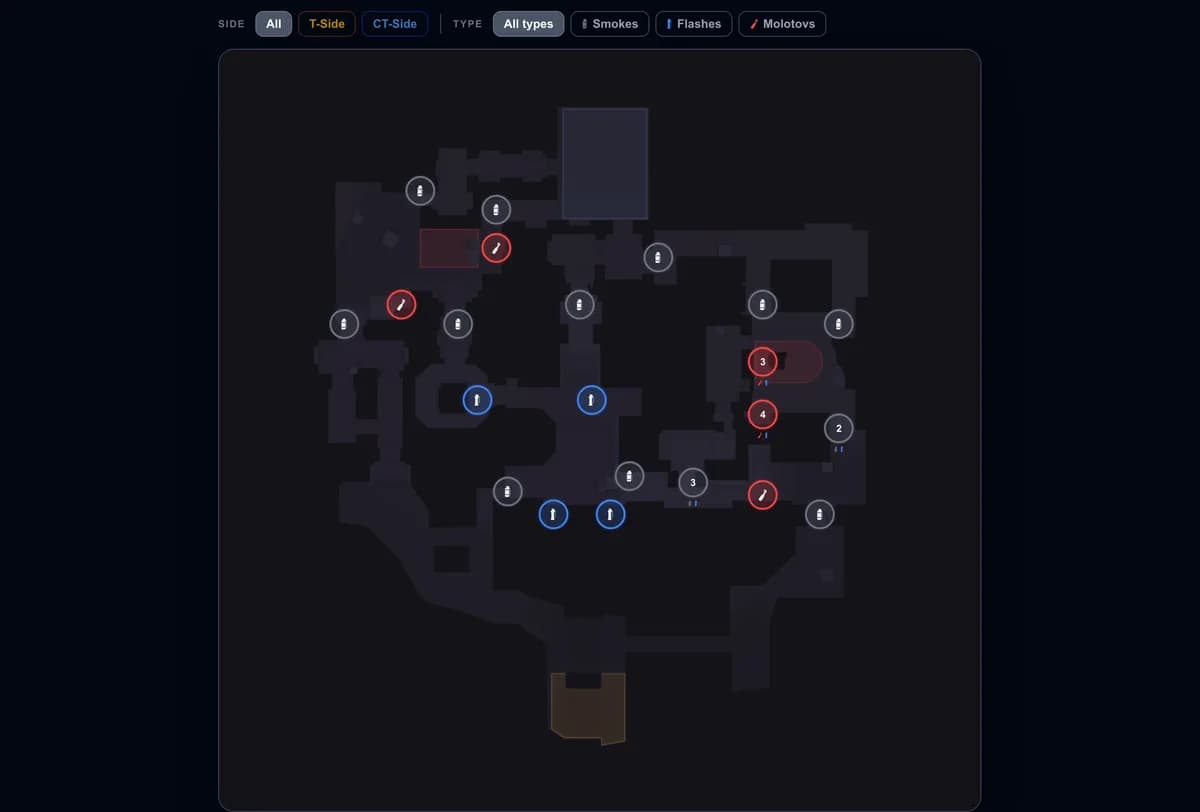
Grenades and utility
CS2 Ancient Lineups: Smokes, Flashes & Molotovs
The must-know Ancient smokes, flashes and molotovs for attack and defense — what each one is for, and how to drill the exact lineups with GetReplay's utility tool.
Browse by goal
Demo analysis
Find mistakes, key rounds and repeatable decisions in your own matches.
Grenades and utility
Learn lineups, practice commands and better utility timing.
Professional play
Study tournament matches, team ideas and high-level decision-making.
Put the guide into practice
Upload a CS2 demo and review the moments that matter in a free browser-based 2D replay.
Analyze a demo