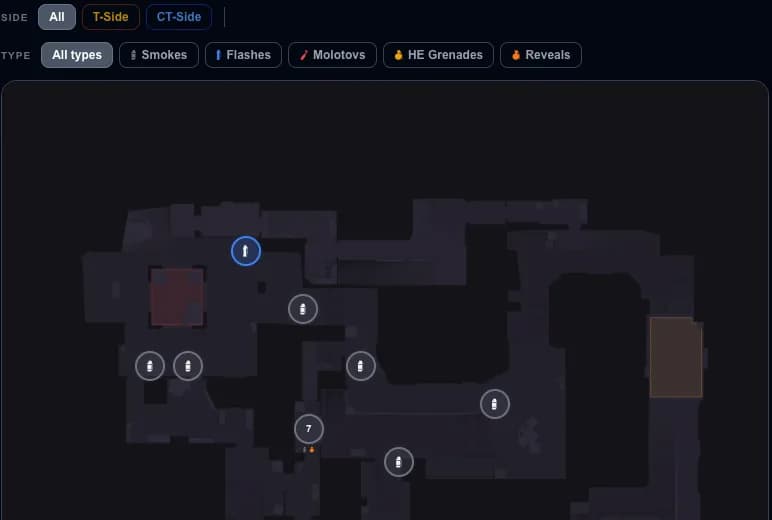
Setup and commands
CS2 Grenade Practice Config: Commands, Bots and Setup
Download a ready practice config, choose your keys and train smokes, flashes and molotovs on a local CS2 server. The guide explains the commands and bot setup.
Updated September 11, 2026
If you want to learn smokes, flashes, mollies, and popflashes faster, the best way is to run a local practice server with the right commands enabled. A good CS2 grenade practice config lets you fly with noclip, repeat the same throw with sv_rethrow_last_grenade, place a bot for spacing checks, and remove most of the downtime between attempts.
This setup is meant for offline or private practice only. Commands like sv_cheats 1 do not work in Premier or matchmaking.
Build your practice config
Choose keys for rethrow and noclip. Download a ready .cfg with 60-minute rounds, no freeze time, buying anywhere, money, infinite ammo and grenade preview. It restarts the current local practice round.
Start a local Practice map. Paste the commands into the console, or save getreplay-practice.cfg in game/csgo/cfg and run exec getreplay-practice. Throw a grenade once before using rethrow.
Use this only on your own practice server. The config changes round and buy settings and replaces the two key binds. Record your existing binds with bind KEY before applying it; restore them afterwards and start a fresh session to reset server settings.
Enable the developer console first
In CS2, the developer console is disabled by default. Before you can use any practice commands, turn it on in the game settings:
- Open Settings.
- Go to Game.
- Find Enable Developer Console (~) and set it to Yes.
- Press ~ to open the console.
After that, start an offline practice match on the map you want to learn.
Core CS2 practice commands
These are the commands most players use to build a simple grenade practice setup:
sv_cheats 1enables cheat-protected practice commands.mp_roundtime 60gives you a much longer round.mp_roundtime_defuse 60does the same on defuse maps.mp_freezetime 0removes freeze time at the start of rounds.mp_buy_anywhere 1lets you buy utility anywhere.mp_buytime 9999keeps buy time open.sv_infinite_ammo 1gives you infinite ammo for repeated practice.ammo_grenade_limit_total 5lets you carry full utility.mp_restartgame 1quickly restarts the session after setup.
If you want the shortest possible workflow, paste those commands once after loading into the map, then restart the game with mp_restartgame 1.
Best commands for grenade lineup practice
Once the server is ready, these commands are the ones you will use constantly:
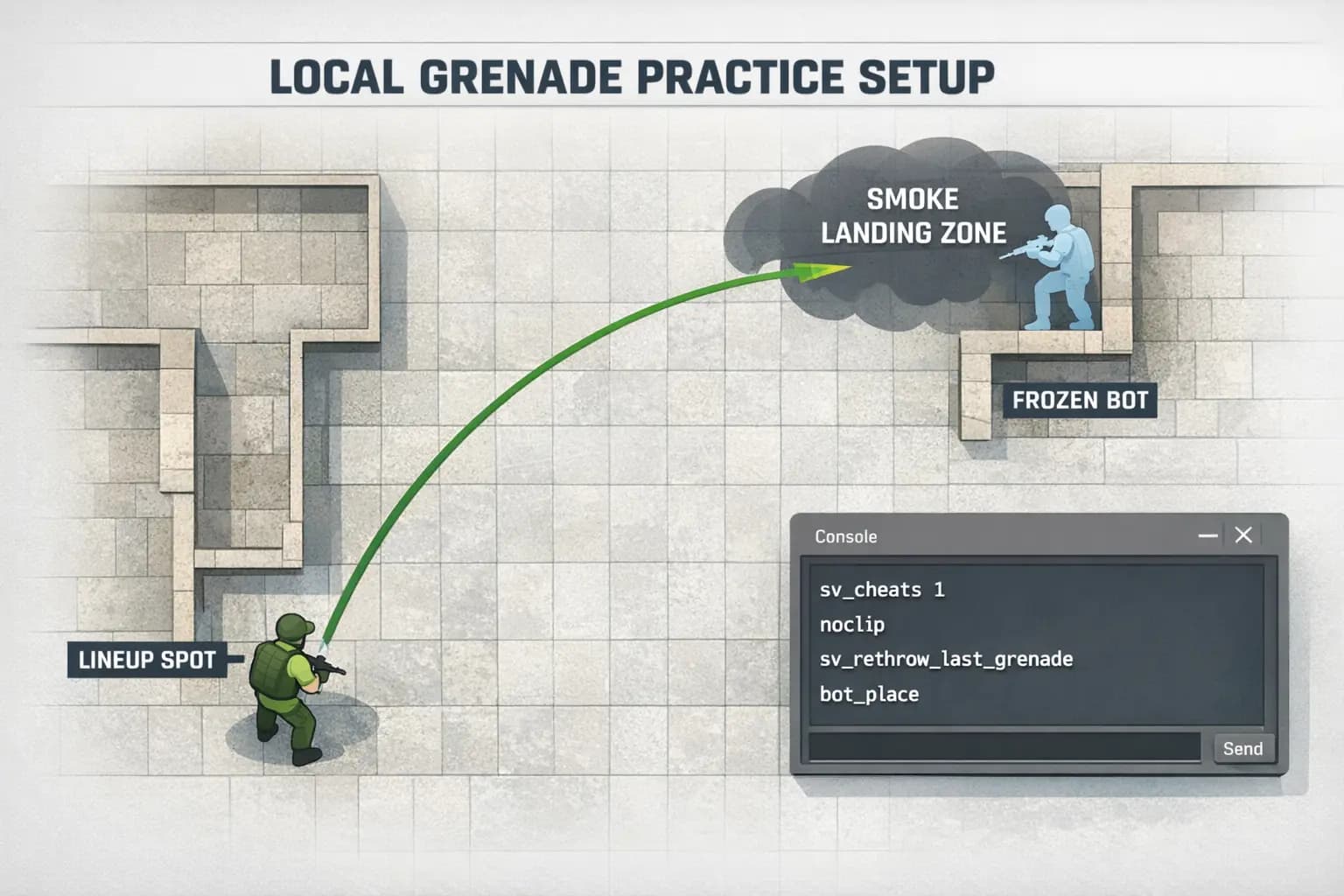
nocliplets you fly around the map and reach lineup spots quickly.sv_rethrow_last_grenaderecreates the last grenade you threw, which is perfect for checking if the smoke lands correctly.sv_grenade_trajectory_prac_pipreview 1shows a visible grenade path preview in practice.bind h "sv_rethrow_last_grenade"puts rethrow on a key so you do not need to reopen the console after every try.
Rethrow repeats the saved throw, even if you move or change your aim afterwards. Use it to inspect the same smoke or flash from another position. To test a new lineup, adjust your aim and throw a fresh grenade first. The command does not reset your position, health or ammo.
bindh"sv_rethrow_last_grenade"How to place a bot for timing and spacing
Bots are useful when you want to test popflashes, anti-rush utility, molotov spread, or whether a smoke blocks a real angle from a player model.
- Add a bot with
bot_add_ctorbot_add_t. - Freeze the bot with
bot_stop 1. - Aim at the position where you want the bot to stand.
- Use
bot_placeto place that bot at your crosshair.
This is a simple way to test whether your flash fully pops for a defender, whether a molly spreads into a common position, or whether a smoke leaves a gap.
A simple local practice routine
- Load the map you want to learn.
- Enable your practice commands.
- Buy full utility and go to the lineup spot with
noclip. - Throw the smoke or flash once.
- Use
sv_rethrow_last_grenadeto inspect the saved throw. After adjusting your aim or position, throw a new grenade to save the new trajectory. - Place a bot if you need to test line of sight or flash timing.
This routine is fast, practical, and much closer to how players actually learn utility than throwing random nades in a normal offline match.
Useful note about practice configs
Save the downloaded getreplay-practice.cfg in Counter-Strike Global Offensive/game/csgo/cfg. Start a local practice map and run exec getreplay-practice in the console. Use a separate practice file so you can apply these settings when you need them. The instructions beside the download explain how to restore your keys and server settings.
Pick a few grenade lineups to practise. For more on repeating one throw, see the rethrow command and bind guide.