CS2 Mirage Grenade Lineups
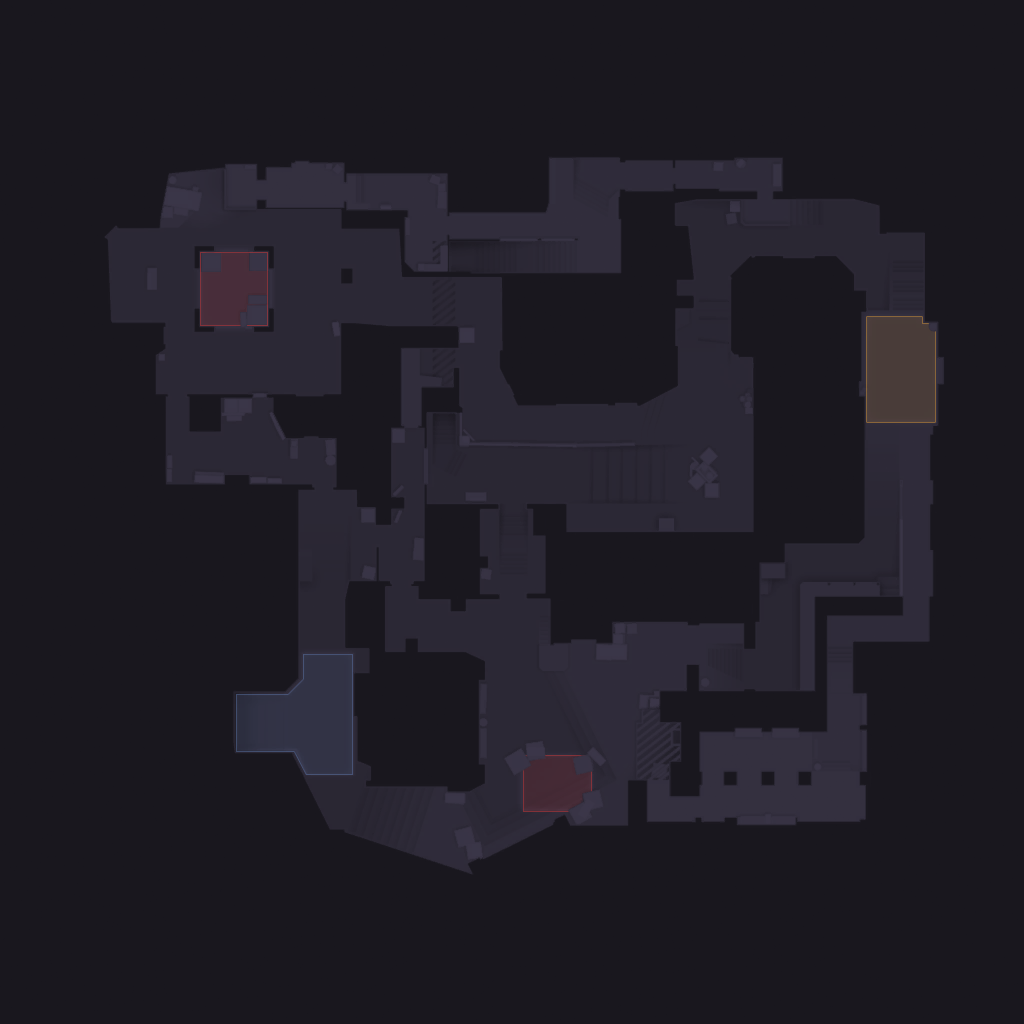
Complete lineup guide for Mirage in Counter-Strike 2. Browse every smoke, flash, molotov, and HE spot on the interactive map below. Each lineup includes a step-by-step video guide with exact crosshair placement and a setpos command for in-game practice.
Side
Type
Mirage Grenade Guide
A balanced three-lane map where grenades decide rounds. Mid window and connector smokes are essential for T-side, while CT players need A-ramp mollies and underpass flashes. Mirage rewards teams that coordinate their utility timing.
What each lineup includes
- ✓Step-by-step video demonstration
- ✓Exact crosshair placement screenshot
- ✓Throw type: jumpthrow, runthrow, or standing
- ✓Setpos command to practice the position in-game
- ✓Affected area preview showing where the grenade lands
Other grenade types
SmokesSmokes block vision and cut off angles — the most important utility in CS2. Whether you're crossing mid, executing onto a site, or delaying a push, knowing the right smoke lineups saves rounds. Master one-way smokes for an extra edge on CT.16 grenadesFlashesFlash grenades blind opponents and create openings for your team. Good flashes let you peek angles, push chokepoints, and retake sites while the enemy can't fire back. Learn popflash setups and team flashes to maximize entry success.2 grenadesMolotovsMolotovs deny area and force enemies out of cover. Throw them to clear common hiding spots before entering a site, delay a rush, or cut off a rotation path. Lineups that land on tight corners are especially effective.3 grenadesHE GrenadesHE grenades deal damage through walls and around corners. Use them to soften opponents before peeking, finish off low-HP enemies, or punish predictable positions. Stacking HEs with teammates multiplies the effect.1 grenadesRevealsReveal grenades disperse enemy smokes and expose hidden players. Use them to counter one-way smokes, clear smoke-blocked entries, or break defensive setups. A well-timed reveal can turn a round that looked unwinnable.1 grenades