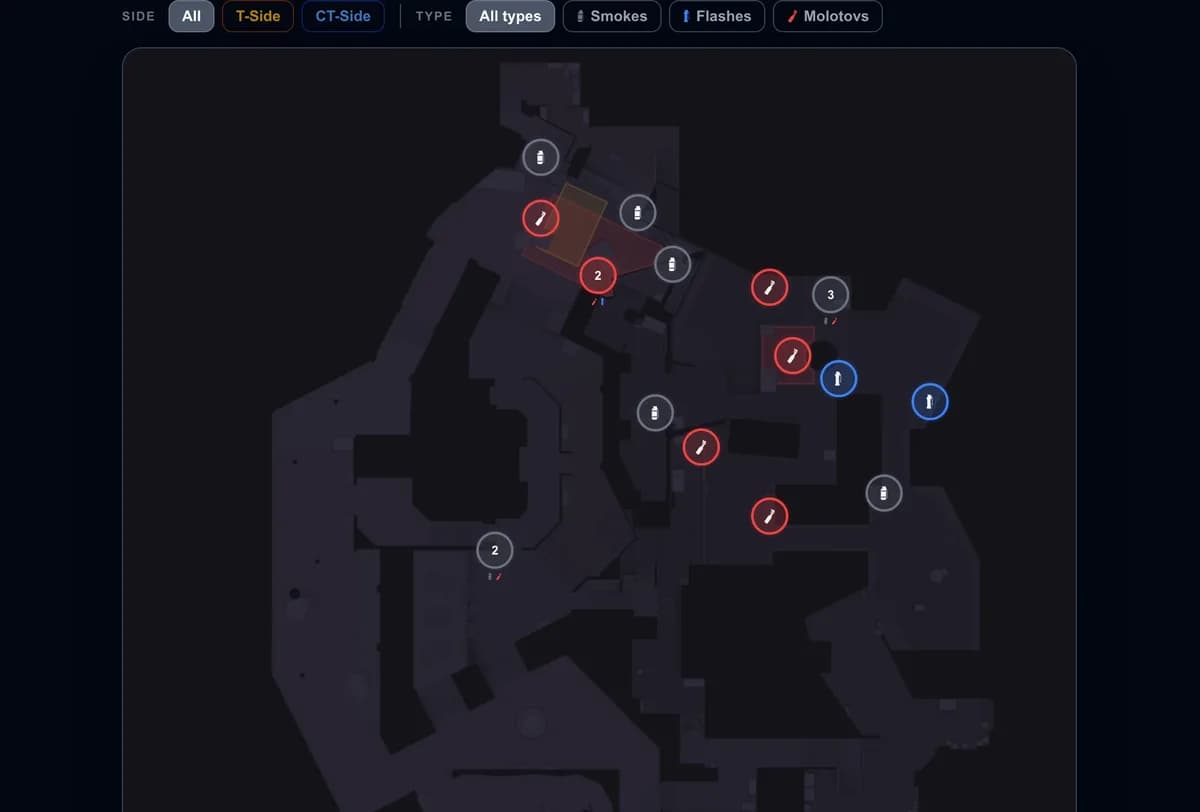
Grenades and utility
CS2 Mirage Lineups: Smokes, Flashes & Molotovs
The must-know Mirage smokes, flashes and molotovs for both sides — what each is for, and how to drill the exact lineups with GetReplay's utility tool.
Updated September 11, 2026
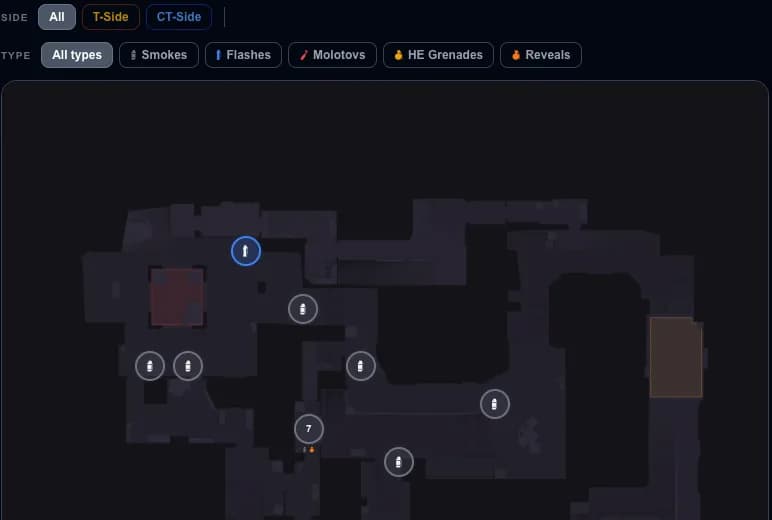
Mirage is the most-played map in CS2, and rounds are won or lost on utility. A clean smoke wall or a well-timed molotov opens a site that raw aim can't. This guide walks through the Mirage smokes, flashes and molotovs that actually matter on each side — what every piece of utility is for — with each one linked straight to its lineup.
Taking mid (T side)
A smoke in the sniper-room window limits the defender’s direct view once it blooms. Choose a throw for your spawn or your position at cart in the window-smoke collection. Connector, short and underpass still need separate attention.
Pair it with the Top Mid smoke to cover the push, and a fast Connector smoke to cut the CT rotation while you commit to a site.
Executing A (T side)
A standard A execute leans on three smokes:
- CT smoke from A ramp — cuts off the CT rotation and the hold from Ticket, the single most important A smoke.
- Jungle / Connector smoke from A ramp — blocks the Jungle angle onto the site.
- Stairs smoke from T roof gate — takes away the Stairs defender.
Back them up with fire. A Balcony molotov from Palace clears the balcony hold, and an under-balcony molotov from Tetris burns the shadows underneath. With the three smokes down and balcony burning, entering from Ramp or Palace becomes a numbers game instead of a coin flip.
Executing B (T side)
B is lighter on utility but rewards discipline. Block the CT sightlines with the Market Window smoke and the Market Door smoke, both thrown from T house.
Then take Short: the B short smoke from house works for a slower take, while the fast B short smoke from T spawn suits a rush. Finish the entry with the air popflash for a B rush so your entry fragger swings first.
Defending with utility (CT side)
On defense, utility buys time and breaks executes:
- Default molotov from A stairs — burns the default plant spot to deny or delay the plant.
- Palace smoke from Market — a jumpthrow smoke that cuts off the Palace entry onto A.
- Flash up to Balcony from under balcony — blinds the balcony so you can retake or push out.
There's also a default nade from A stairs for the same anti-plant job when you're out of fire.
Learn the exact lineups in GetReplay
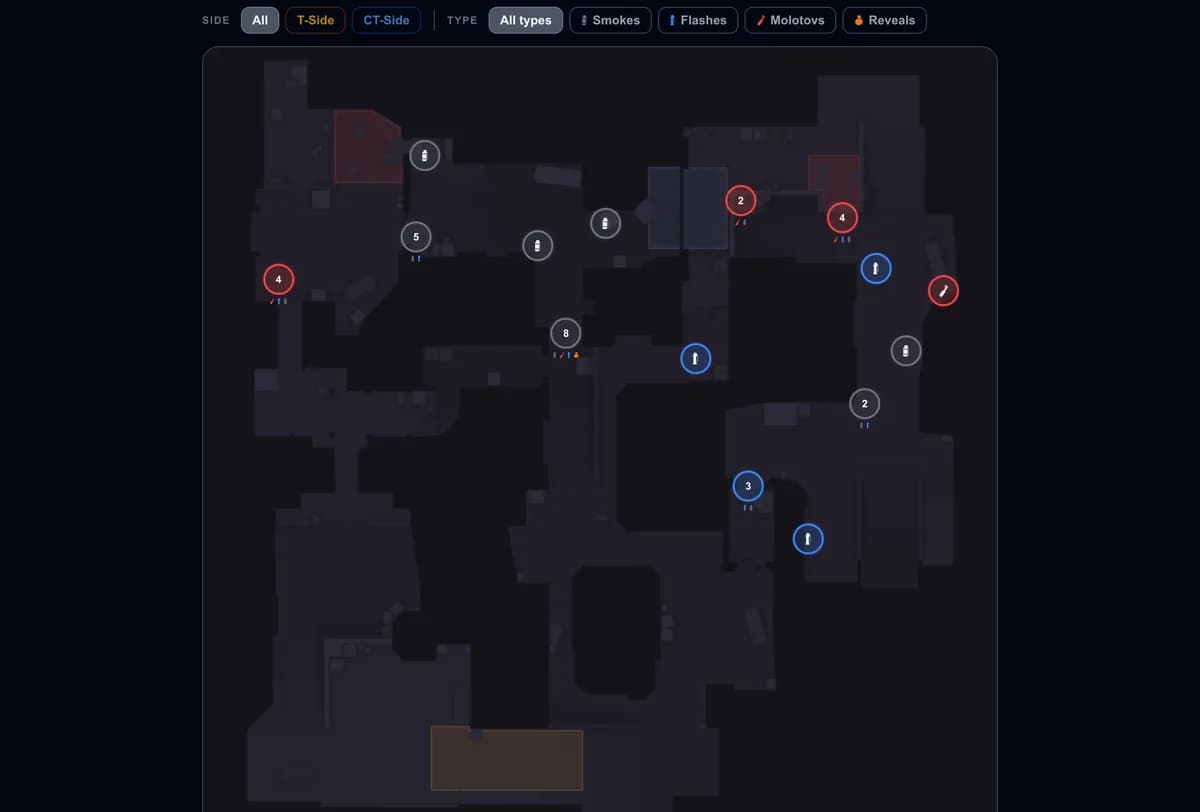
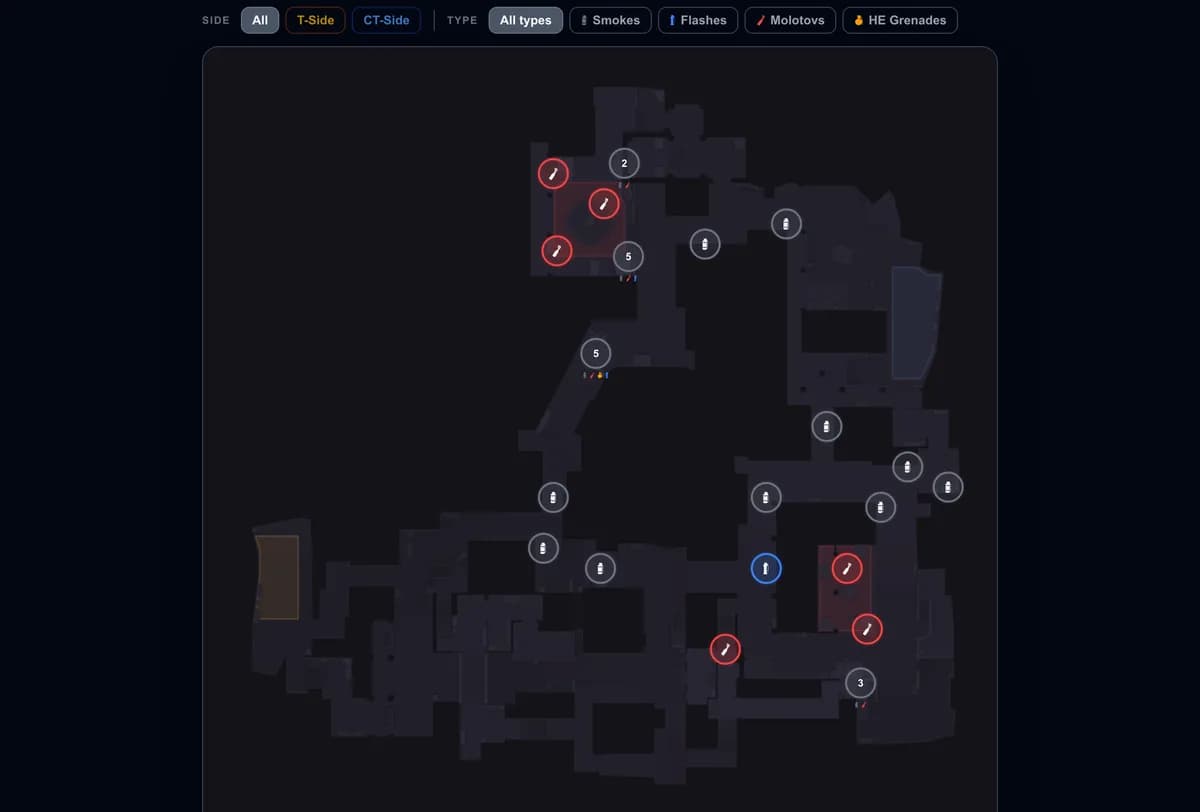
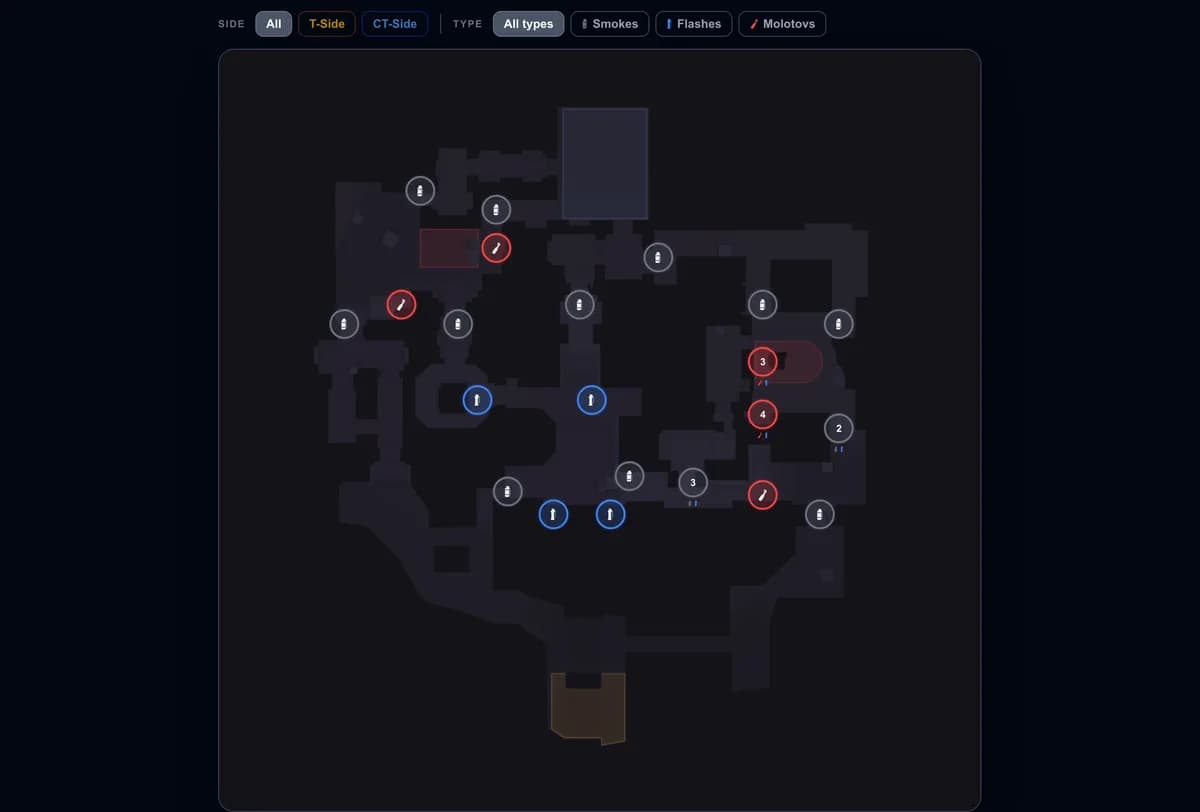
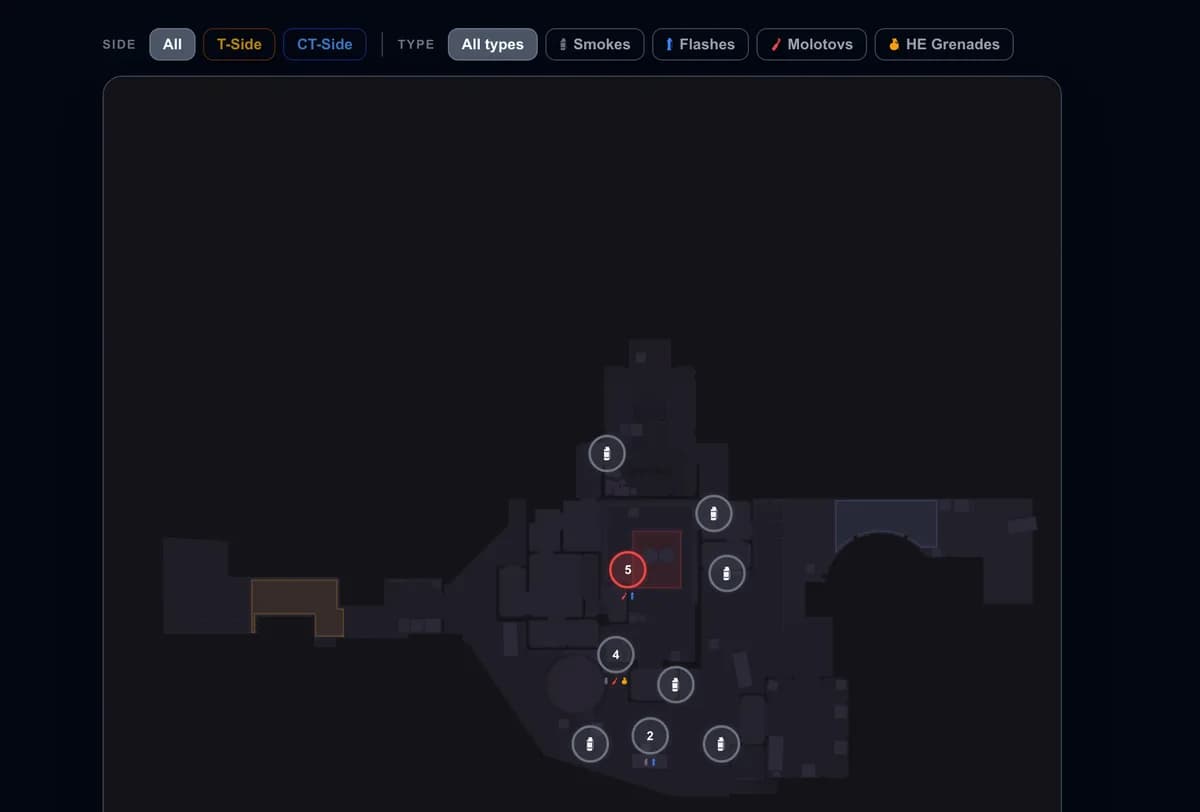
Knowing which smoke to throw is half the job; landing it is the other half. Every link above opens the lineup with its exact stand and aim point, and the Mirage utility tool lets you filter the full set by side and type — smokes, flashes, molotovs and HE. Start with the handful above, then expand your pool map by map.
Drilling them until they're muscle memory
A lineup you can't hit under pressure isn't worth much. Load a local practice server, turn on sv_cheats 1, and use sv_rethrow_last_grenade to repeat the same throw instantly — see the repeat grenade command and bind for the one-key setup. Run each Mirage smoke ten times in a row until the motion is automatic.
Then check whether it's paying off: open a recent match in GetReplay and review your utility damage and flash assists to see which nades are actually helping your team.
FAQ
Where can I find Mirage lineups? Use the Mirage utility tool — it shows the stand and land point for every smoke, flash, and molotov, sorted by side and type. Every grenade named in this guide links straight to its lineup.
How many lineups do I need to know for Mirage? Start small: the A execute smokes (CT, Jungle, Stairs), a Window smoke for mid, and one or two CT molotovs cover the vast majority of rounds. Add more once those are automatic.
Which are the most important Mirage smokes? The CT smoke for A executes and the Window smoke for mid control are the two that change the most rounds. Learn those first.
How do I practice Mirage lineups?
On a local server with sv_cheats 1 and a rethrow bind, then review the results in your own demos.