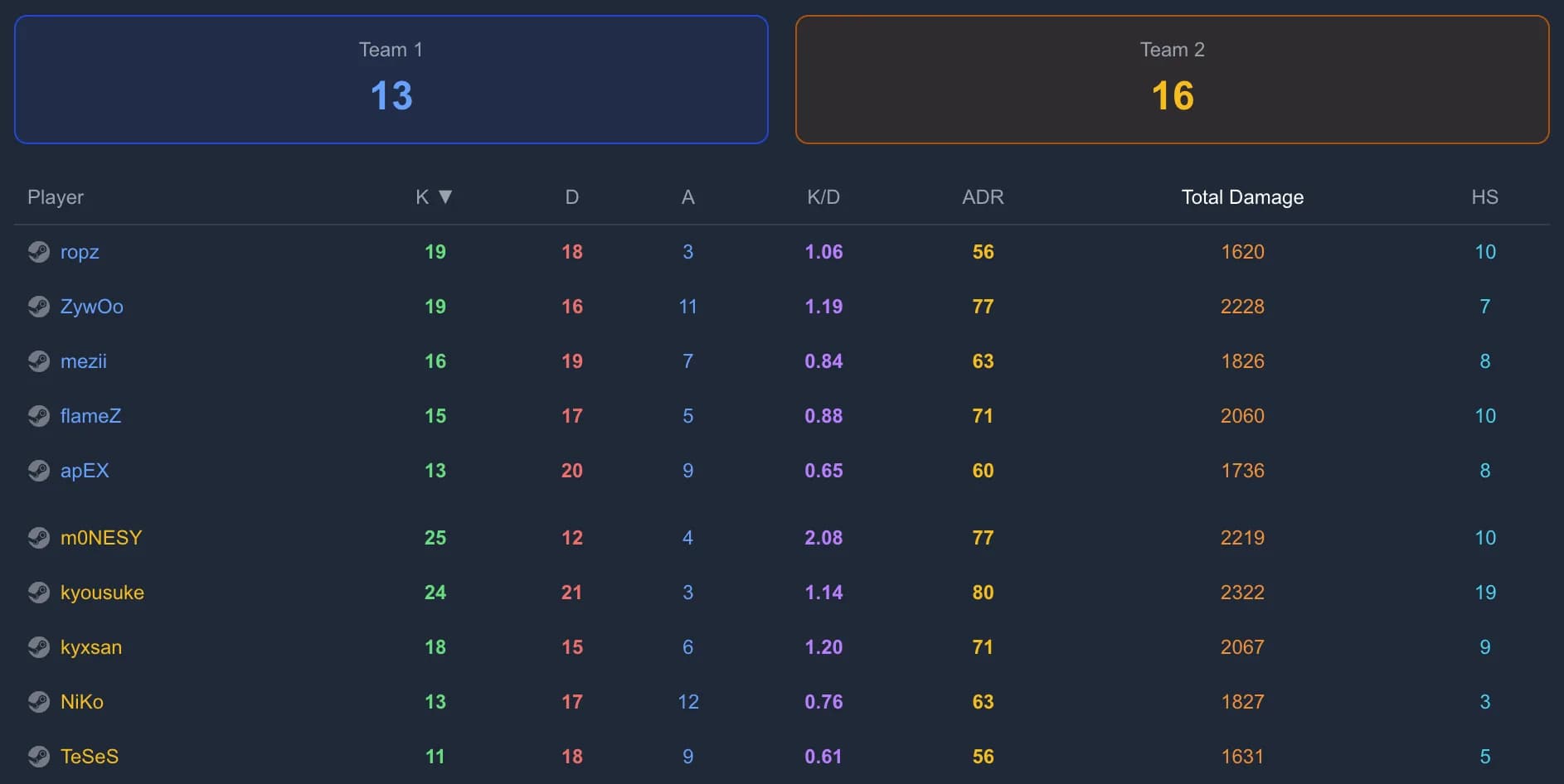
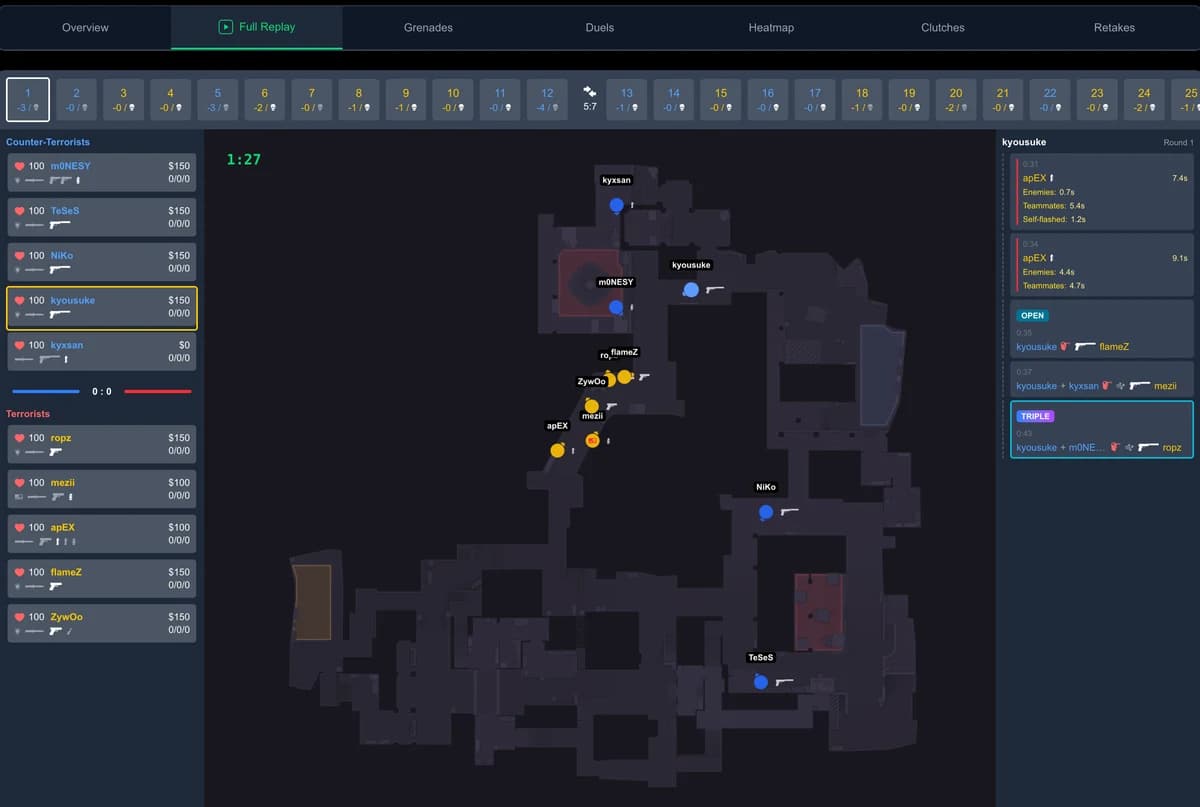
Demo analysis
How to Watch FACEIT Demos: Online or in CS2
Send a FACEIT demo to GetReplay with its browser extension: the server downloads and processes it for you. Manual .zst uploads and in-game playback are also covered.
Updated September 27, 2026
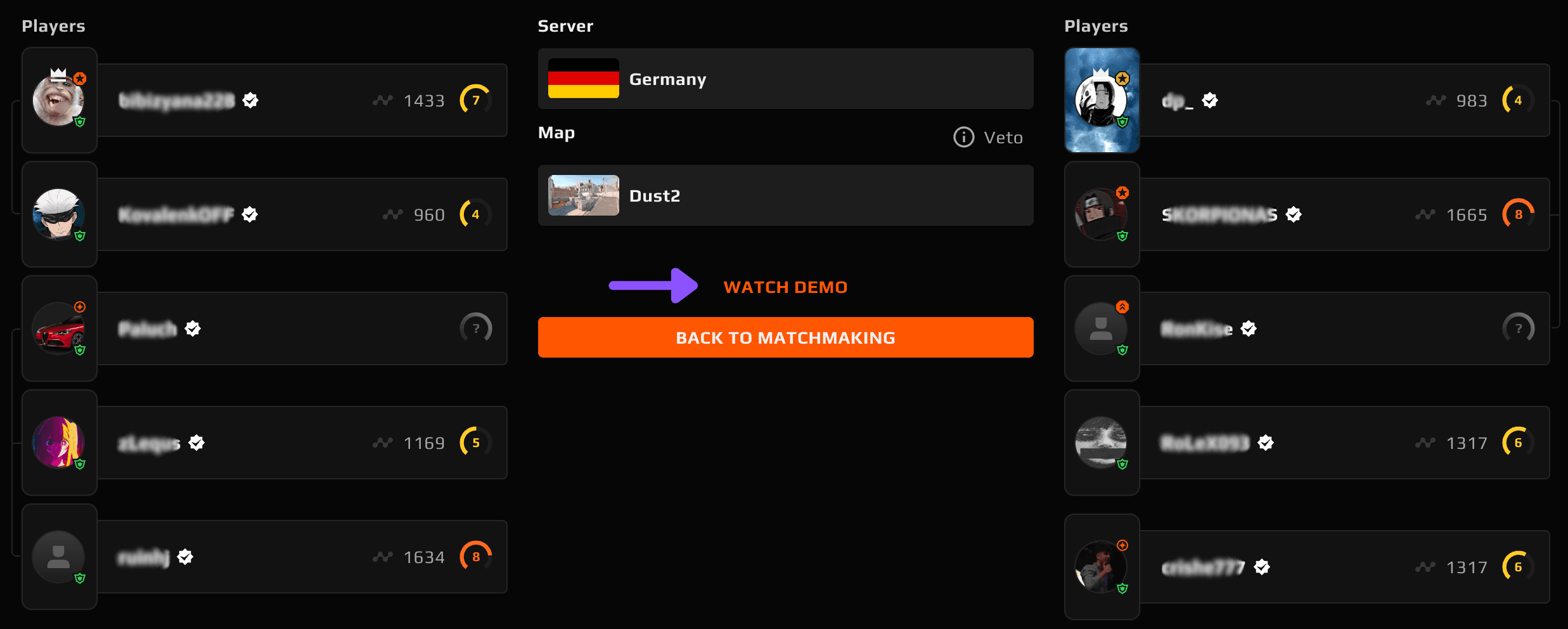
You just played a FACEIT match and want to review it — but it isn't in the CS2 Watch menu. With the GetReplay browser extension, you can send the demo straight from the match room to GetReplay: no saving the file on your computer or uploading it yourself. You can still download the .zst archive manually, upload it to GetReplay, or extract the .dem to watch inside CS2.
Choose how to watch
Watch online without downloading the file yourself
- Install the GetReplay FACEIT Demo Uploader extension from the Chrome Web Store in a compatible desktop browser.
- Open GetReplay, sign in with Steam or FACEIT, then open or reload the completed FACEIT match room in the same browser.
- Click the GetReplay button in the match room. If FACEIT asks you to verify, complete that step.
GetReplay downloads and processes the demo on its server. You do not need to save a file on your computer, unpack it, or upload it manually. Once processing finishes, open the match in GetReplay. The demo must still be available on FACEIT; the import starts when you press the button.
On desktop, Chrome Web Store extensions can be installed in Chrome, Microsoft Edge, Yandex Browser, Opera, Brave and Vivaldi.
Without the extension: download from the FACEIT match room
Open the match on faceit.com (or the FACEIT app), go to the match room, and click Watch Demo near the top of the page to download the demo file.
Already downloaded it? Upload the .zst archive directly
GetReplay accepts the compressed .zst archive exactly as FACEIT downloads it. Open the replay page, sign in with Steam or FACEIT, and upload the file. You do not need to unpack the archive first.
Once it is processed, you can scrub round by round, review duels and positions, and jump to the moments that matter in a browser-based 2D replay on any device.
Open your CS2 demo
Upload a match to review rounds, positions and duels in a 2D browser replay.
- Sign in with Steam or FACEIT
- Choose a demo file
- Open the processed match
.dem, .zst, .gz, .bz2 or .zip. Upload compressed demos as they are.
Sign in first, then choose your file here. Steam match-history setup is not required for a manual upload.
Want to try it first? Open the example match to see the 2D replay and match stats before uploading your own. And if you're wondering why bother reviewing at all, start with what you get from watching your own demos.
Watch it in CS2: extract the .dem
Only unpack the download if you want to play it inside CS2. FACEIT currently provides a .dem.zst (or .zst) archive rather than a ready-to-use .dem:
Unpack .zst to .dem for CS2
Choose your FACEIT archive to unpack it on this device. The file is not uploaded and no sign-in is needed. GetReplay already accepts .zst directly for online viewing.
When supported, your browser asks where to save the .dem and writes it directly to disk (up to 8 GB).
You can also unpack the archive with a desktop app:
- Right-click the downloaded archive and open it with a current version of 7-Zip or WinRAR.
- Extract the
.deminside to…\Counter-Strike Global Offensive\game\csgo. - Rename it to something short, enable the developer console, and press
~. - Type
playdemo your-demo-name, then press Shift+F2 for playback controls.
For the full walkthrough — file locations, controls, and fixes — see how to watch a CS2 demo.
Fix common FACEIT demo problems
- No "Watch Demo" button — check the match date and make sure the match has finished. Older demos may have expired; for a recent match, try again later or contact FACEIT support.
- You downloaded a file you can't open — the
.zstarchive is expected. Upload it directly to GetReplay, or extract the.demonly if you want to useplaydemo. playdemowon't play it — CS2 cannot play the.zstarchive itself. Extract the.dem, check the developer console is on, and make sure the command matches the extracted file name.
FAQ
Where do I download a FACEIT demo? From the match room on faceit.com — click Watch Demo at the top of the match page. The match must be recent (about 30 days or newer).
How do I open a FACEIT .zst file?
Sign in to GetReplay with Steam or FACEIT, then upload the .zst without unpacking it. To watch it in CS2 instead, extract the .dem with a current version of 7-Zip or WinRAR, then play that file.
Can I watch a FACEIT demo online in the browser?
Yes — sign in to GetReplay with Steam or FACEIT and use the GetReplay extension's button in the FACEIT match room. The server downloads and processes the demo, so you do not save or upload the file yourself. Without the extension, you can upload the downloaded .zst archive without unpacking it.
How long are FACEIT demos available? About 30 days. Download and back up any match you want to keep before it expires.