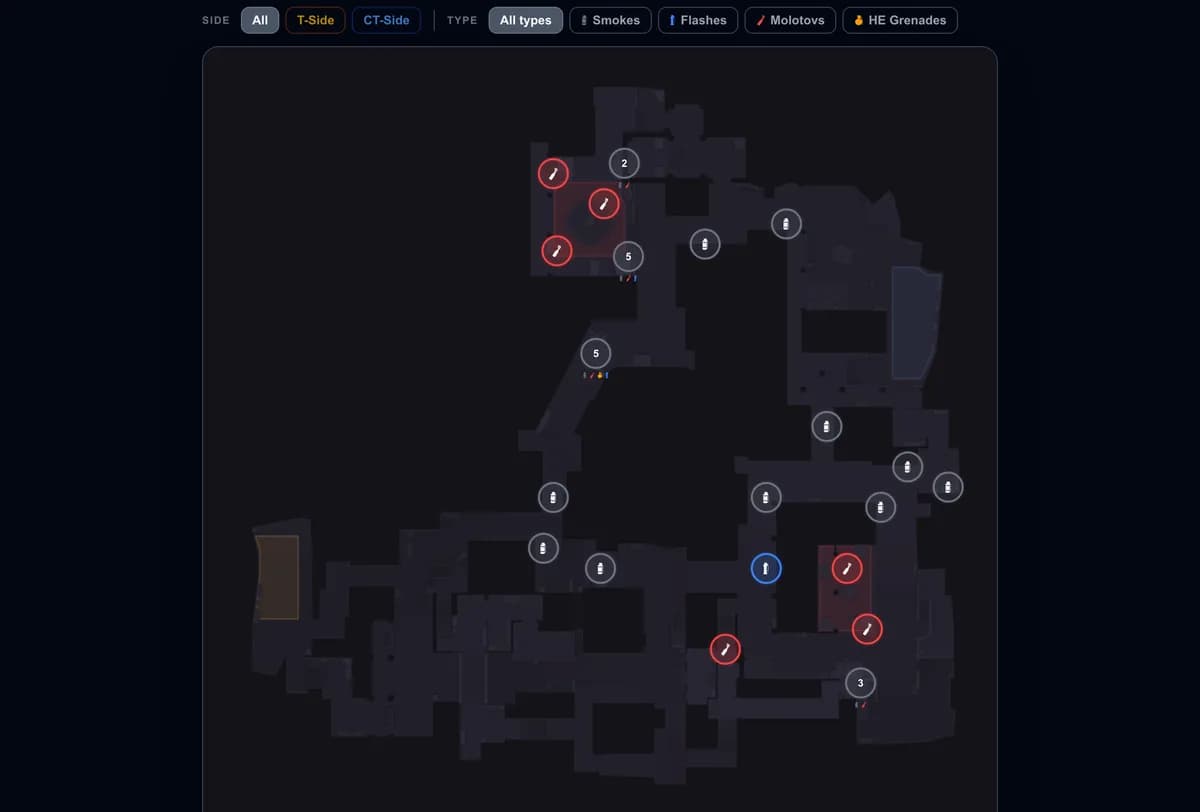
Grenades and utility
Inferno FaZe Smoke in CS2: Six CT Spawn Lineups
Learn what the Inferno FaZe smoke does, compare six CT-spawn lineups and two lower-mid alternatives, and practise the throw with its follow-up.
Updated September 11, 2026
The FaZe smoke on Inferno is an early CT smoke around lower mid and T ramp. It limits the attackers' opening view and creates time for the defense to get into position. It can support either containment or a coordinated mid fight.
The name was already used for Inferno in karrigan's IEM Sydney 2023 interview. This collection explains the GetReplay lineups and the decisions behind using them.
What does it achieve?
Smoke near T ramp interrupts the attackers' view through lower mid. They can wait, spend utility or cross the smoke with limited visibility. CTs can use that time to set up angles, prepare a teammate's flash or change their opening positions.
Six FaZe smokes from CT spawn
Pick the entry matching your starting position. These numbers label our variants, not universal in-game spawns. Select a lineup to open its video, position reference, inputs and practice setpos; the full guide is linked inside.
- FaZe smoke: CT spawn, variant 1
- FaZe smoke: CT spawn, variant 2
- FaZe smoke: CT spawn, variant 3
- FaZe smoke: CT spawn, variant 4
- FaZe smoke: CT spawn, variant 5
- FaZe smoke: CT spawn, variant 6
The movement differs: the hints for variants 1–3 specify W and Shift with a jump throw; variants 4–6 specify a left-click jump throw. Follow the selected demonstration rather than transferring one spawn's movement to another.
Related lower-mid alternatives
One throw starts further forward in mid; another lands in bottom mid from spawn. Similar purpose does not make their landing areas or opening timings identical.
For the mid throw, first secure the position by the wall and flowerpot. Choose the bottom-mid spawn throw when that is the area your setup needs covered. Compare the landing view before deciding.
Match the smoke to your plan
| Defensive plan | Purpose | Follow-up |
|---|---|---|
| Set up opening positions | Limit early T information | Watch the smoke exit |
| Contest mid | Divide the space before peeking | Coordinate a flash, angle checks and a trade |
| Already advanced into mid | Cover lower mid from your position | Check for an opponent ahead of the smoke |
Avoid throwing it automatically. If nobody uses the time or space it creates, saving that smoke for later may be more useful. Have a plan for both a push through the smoke and its expiry.
Learn one spawn, then add another
Load the practice config, use the card's setpos and repeat the throw. Inspect the result from the T side and check the bloom against your planned peek. Recheck lineups in-game after map updates.
Once consistent, rehearse the follow-up with a teammate. In your demo, check whether the smoke delayed the attack or changed your position. The Inferno overview covers the other utility for your round.