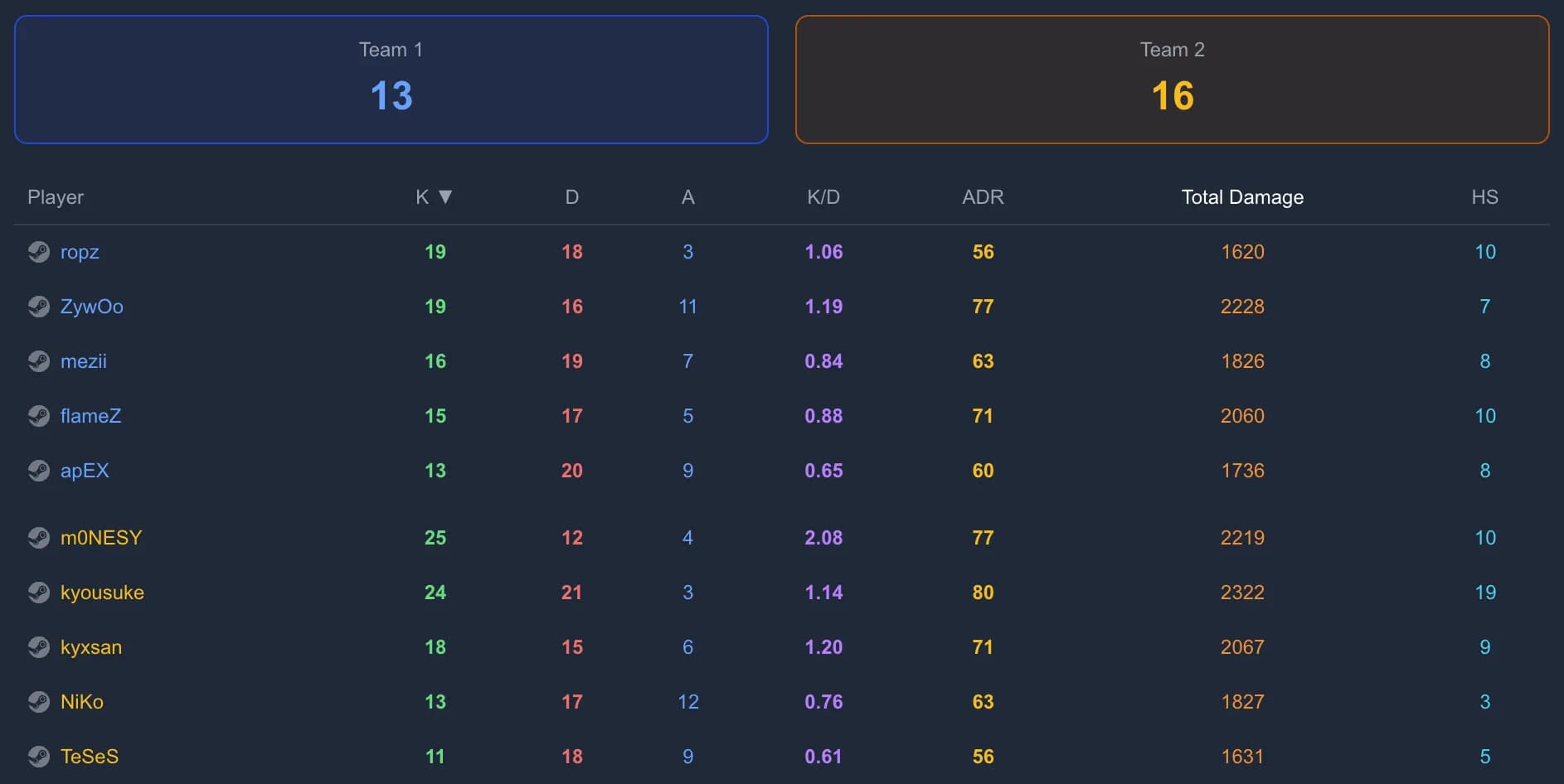
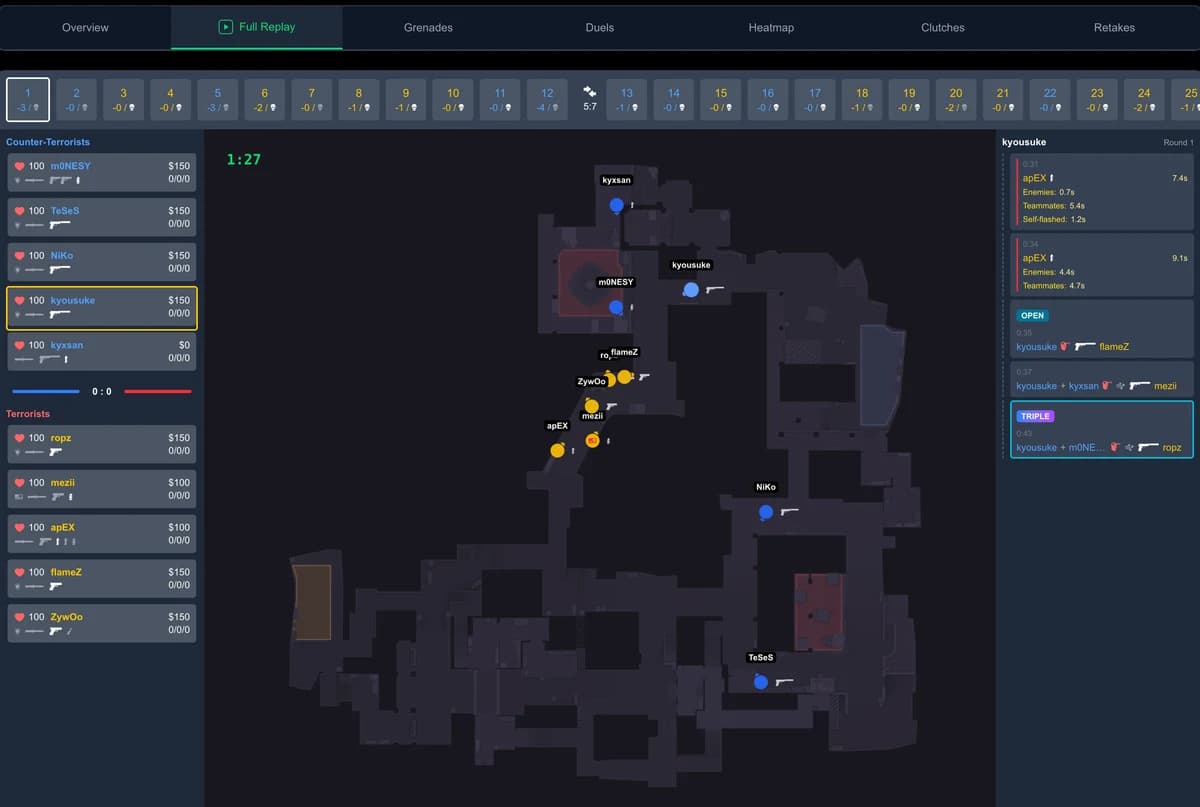
Demo analysis
CS2 Heatmap: See Where You Win and Lose Fights
Kills, deaths, opening duels, flashes and backstabs on one map: how to read a CS2 heatmap, replay every moment in a zone and fix the spots that cost you rounds.
Updated November 2, 2026
One match shows what happened. A heatmap shows what keeps happening: the doorway where you always take the first duel, the corner you die from without seeing the enemy, the flash that blinds your own entry. GetReplay builds heatmaps from your demos so you stop guessing and start fixing the spots that cost you rounds.
Try it on a real match
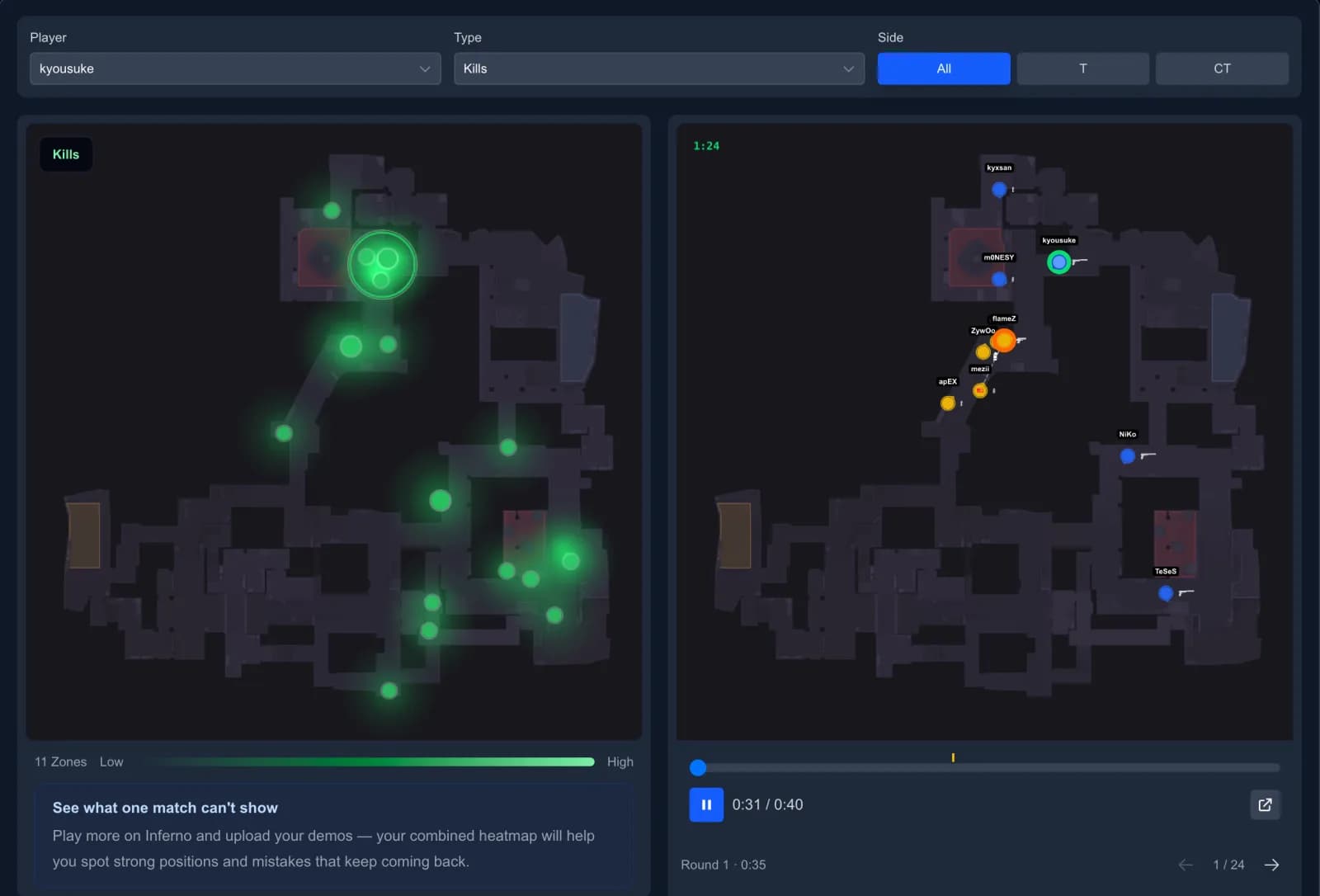
This is the heatmap from our example match on Inferno. Pick a player and a type, then click a circle on the map: the mini replay plays every moment from that zone.
Two heatmaps: one match and all your matches
Match heatmap. Every parsed match has a Heatmap tab. Choose any of the ten players, the side and the event type. Besides the types below, it can show Kills/Deaths together and Damage Dealt or Damage Received by zone.
Player heatmap. After signing in, open Heatmap in the menu. It combines all your parsed matches — Steam and FACEIT alike — on the chosen map, with filters for type, side and period: 7, 30 or 90 days. This is where patterns show up: one death in a corner is bad luck, ten deaths in the same corner is a habit.
What each heatmap type shows
Fights:
- Kills and Deaths — where you win and lose duels. The bigger and brighter the circle, the more often it happened.
- Opening kills and Opening deaths — the first kill of the round. An opening death leaves your team a player down, so these spots matter more than ordinary deaths.
Flashes (the circle marks where the flash popped):
- Flashed enemies — flashes that actually blinded opponents.
- Flashed teammates — flashes that blinded your own team.
- Flash to frag and Flash to open frag — flashes that turned into a kill or an opening kill.
Mistakes:
- Killed from the side or behind — the enemy came from a route you were not watching.
- Killed with a grenade in hand — you were preparing utility in a spot where you could be shot.
How to read a heatmap
- Start with the brightest zone. Brightness and size show repetition, not importance of a single event.
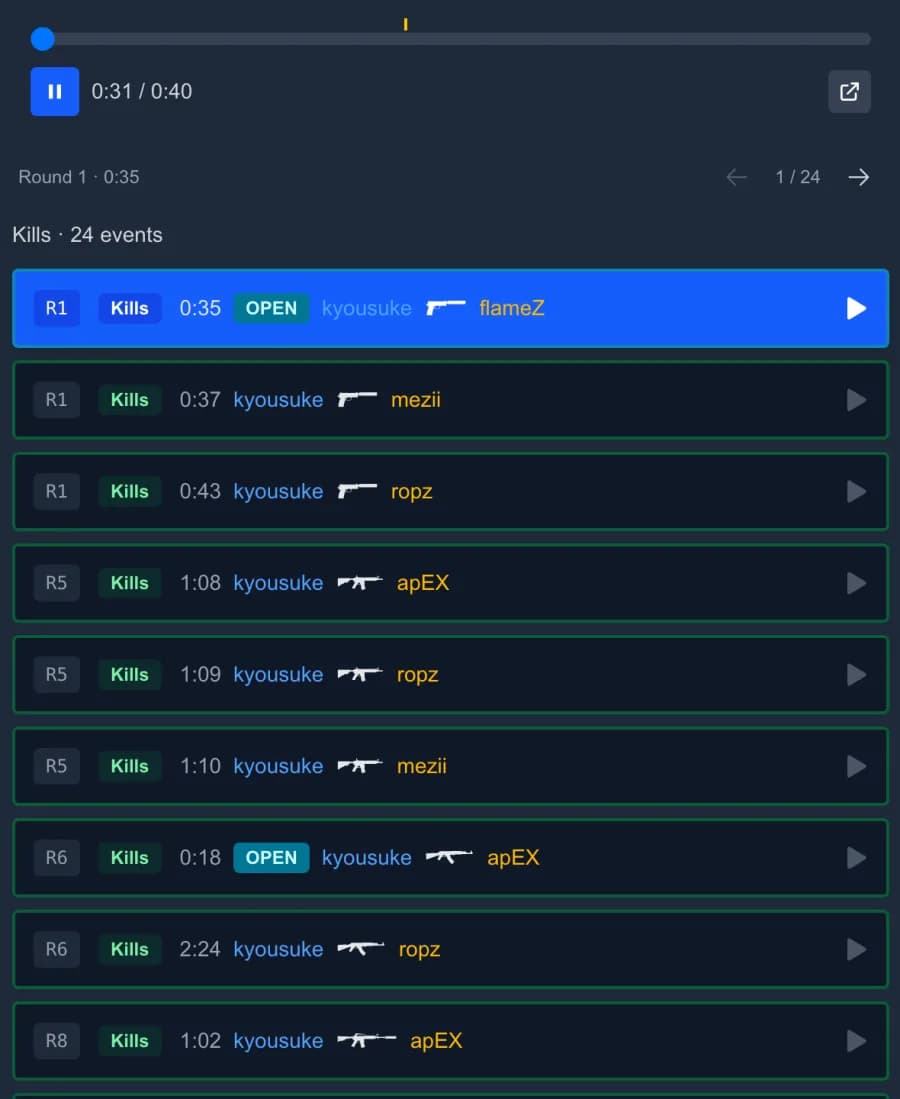
- Click it. The list on the right keeps only the moments from that zone. Each one plays twice in the mini replay, then the next one starts. Arrow keys move between moments.
- Watch who killed you and from where. The replay shows positions of both teams, so you can see whether you had a trade, a flash or simply the wrong timing.
- On Nuke and other two-level maps, switch between the upper and lower level.
Turn a heatmap into practice
- Opening deaths in one doorway — you take the same first-contact fight every round. Change the timing, wait for a teammate to trade, or ask for a flash before you peek.
- Killed from the side or behind — check in the replay where the enemy came from. Often it is a rotation you assumed was empty or a lurker you forgot about.
- Flashed teammates — your flash pops where your entry is looking. Throw it earlier, from another spot, or learn a proper pop flash lineup.
- Killed with a grenade in hand — find a safer spot for your throws. Many lineups can be thrown from cover; see how to practice grenades.
To understand the numbers next to the heatmap, read what K/D, ADR and KAST mean. If you have not uploaded a demo yet, start with how to watch a CS2 demo.
FAQ
Does CS2 have a built-in heatmap? No. The game does not show where you get kills and die across matches. GetReplay builds the heatmap from your demo files.
Where do I find my own heatmap? Sign in with Steam or FACEIT and open Heatmap in the menu. For a single match, open the match and go to the Heatmap tab.
How many matches do I need? One match is enough for the match heatmap. The player heatmap gets more useful with every match on the same map: repeated zones are what you are looking for.
Do FACEIT matches count? Yes. Any match parsed in your GetReplay account is included, whether it came from Steam or was imported from FACEIT.